LILY'S SECRETS
CANVA for Clinician Creators
Create beautiful, professional resources for your brand... without the Canva overwhelm.
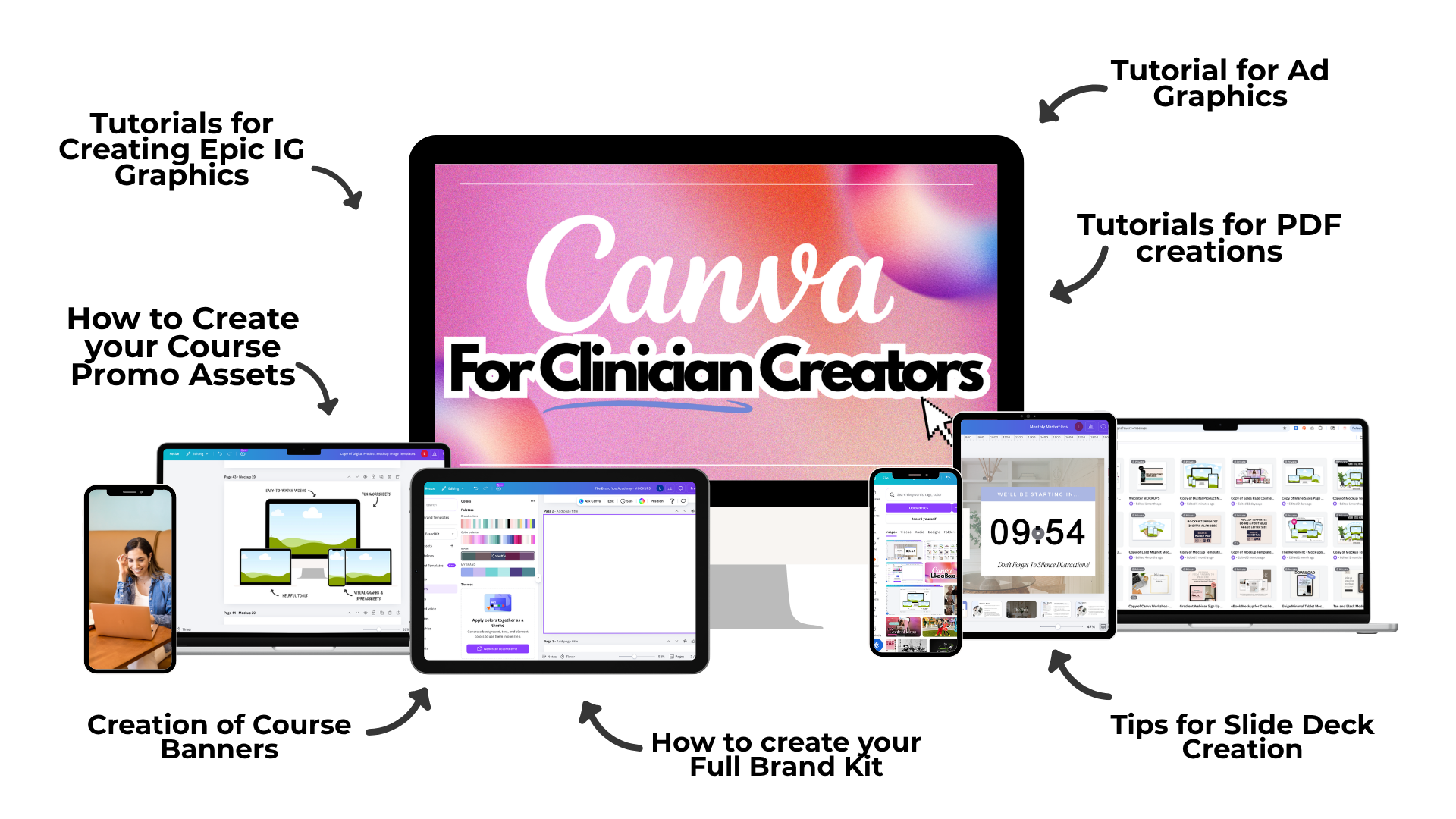
Your Canva graphics are about to get a MAJOR upgrade.
From “good enough” graphics to “WAIT... you made that?!”
WHAT'S INCLUDED:
- HOW to set up your Brand Kit the right way
- HOW to create a polished headshot for social media
- HOW to master font spacing, font effects, and uploading your own fonts
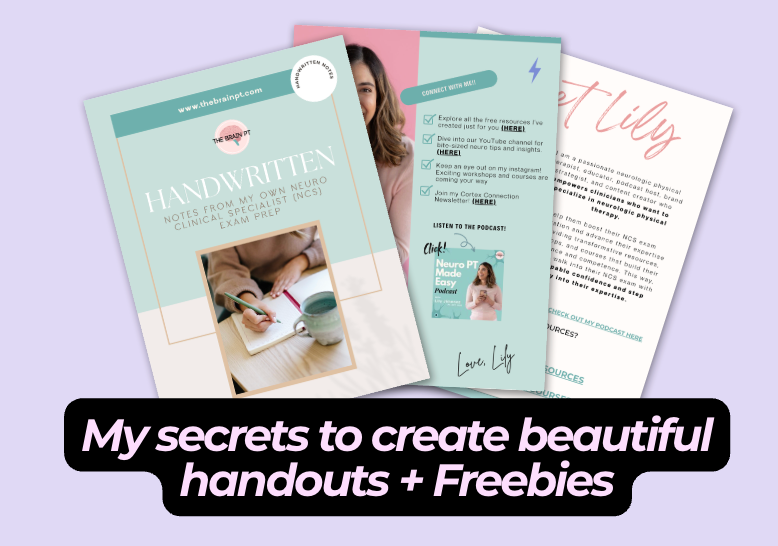
- How to make your lead magnet (Freebie) Look Polished + Professional
- HOW to turn PDFs and handouts into something you're proud to send (not a boring google doc)
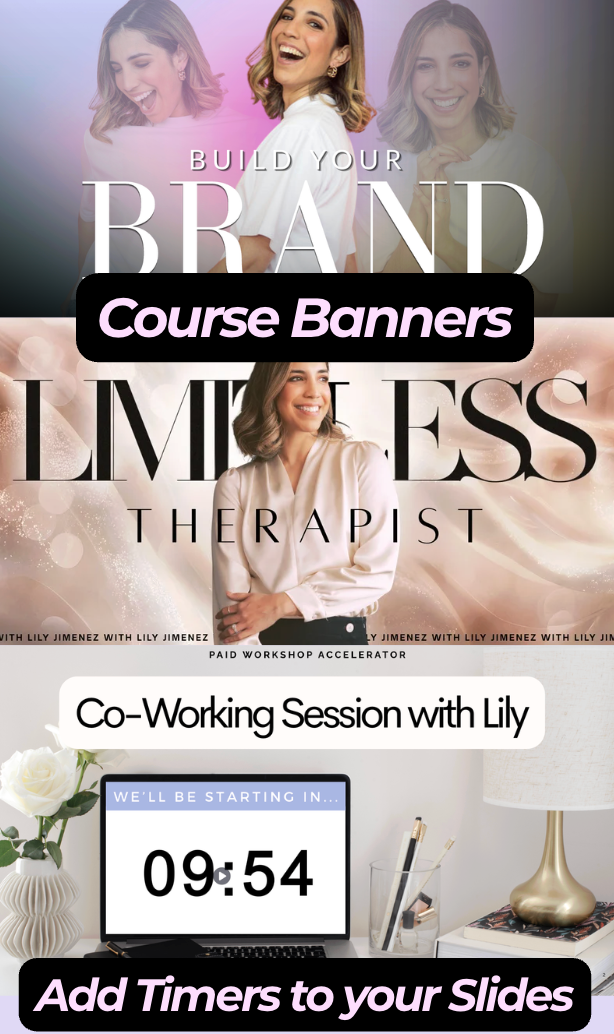
- My secrets to create course banners and course slide decks that have THE WOW factor.
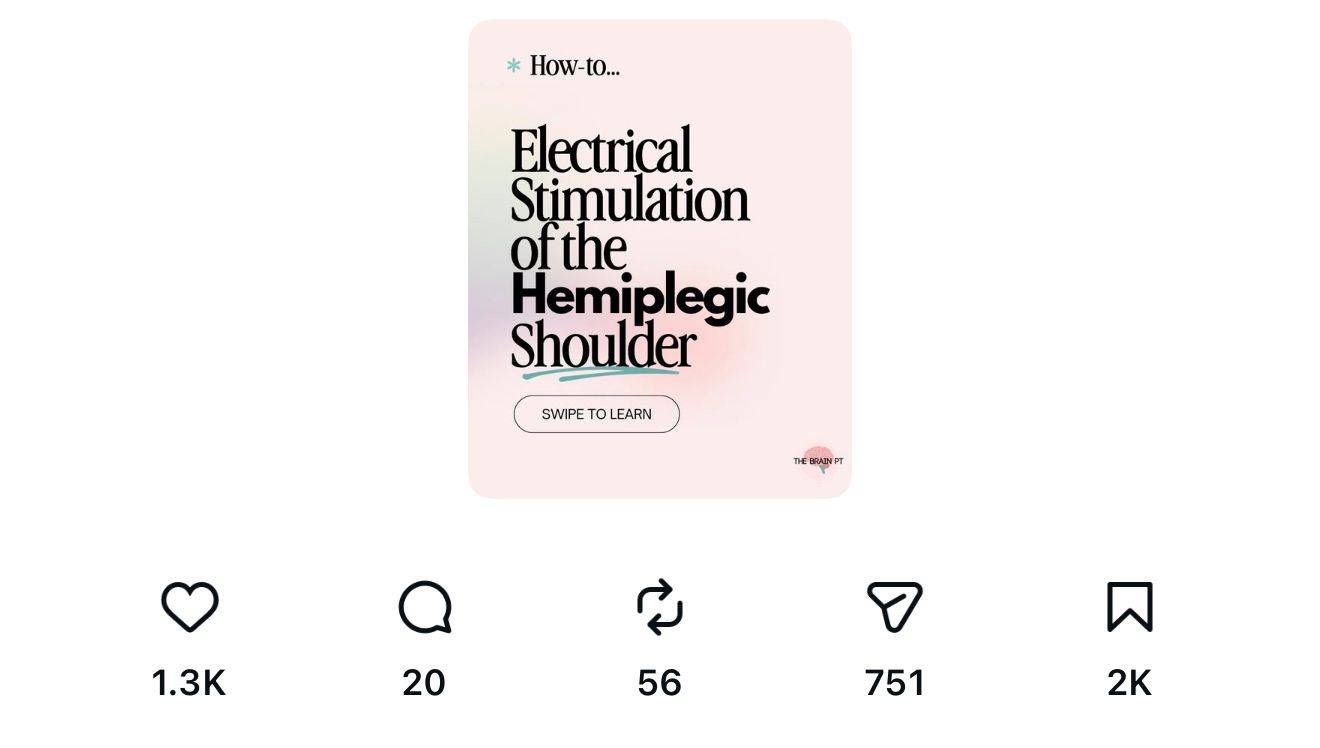
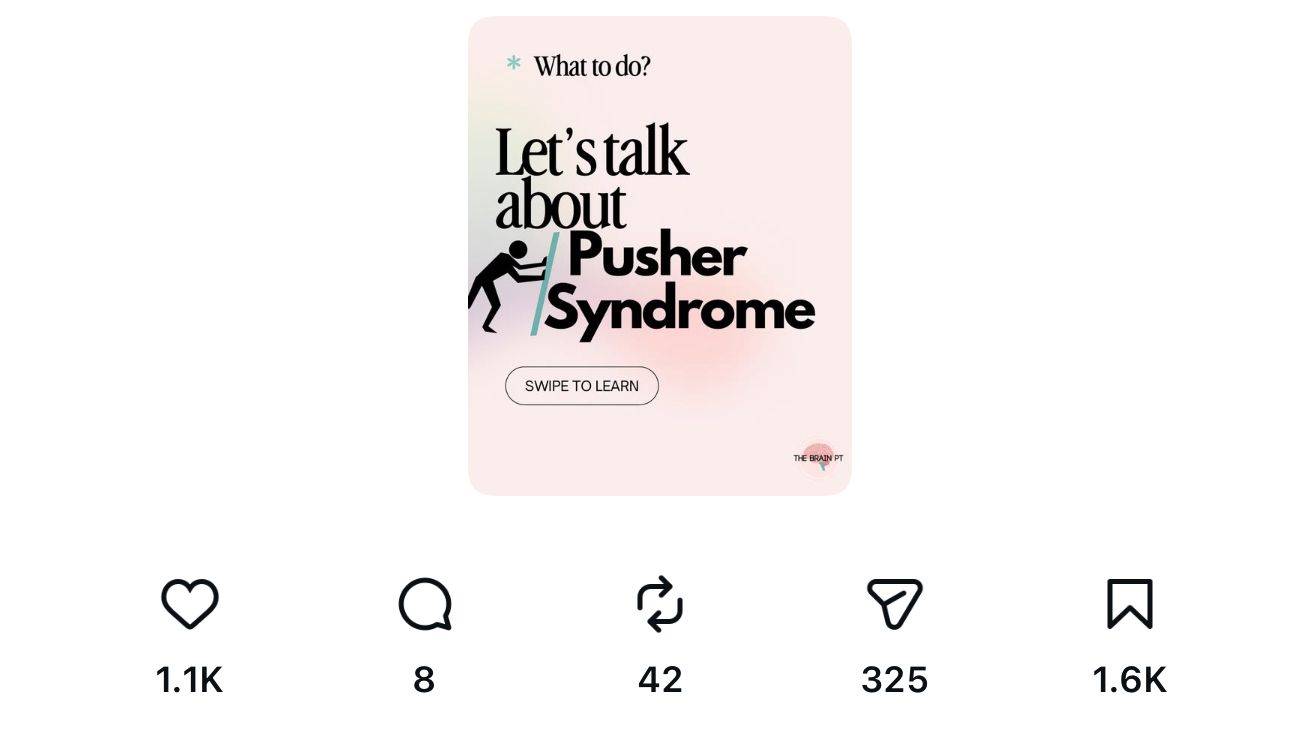
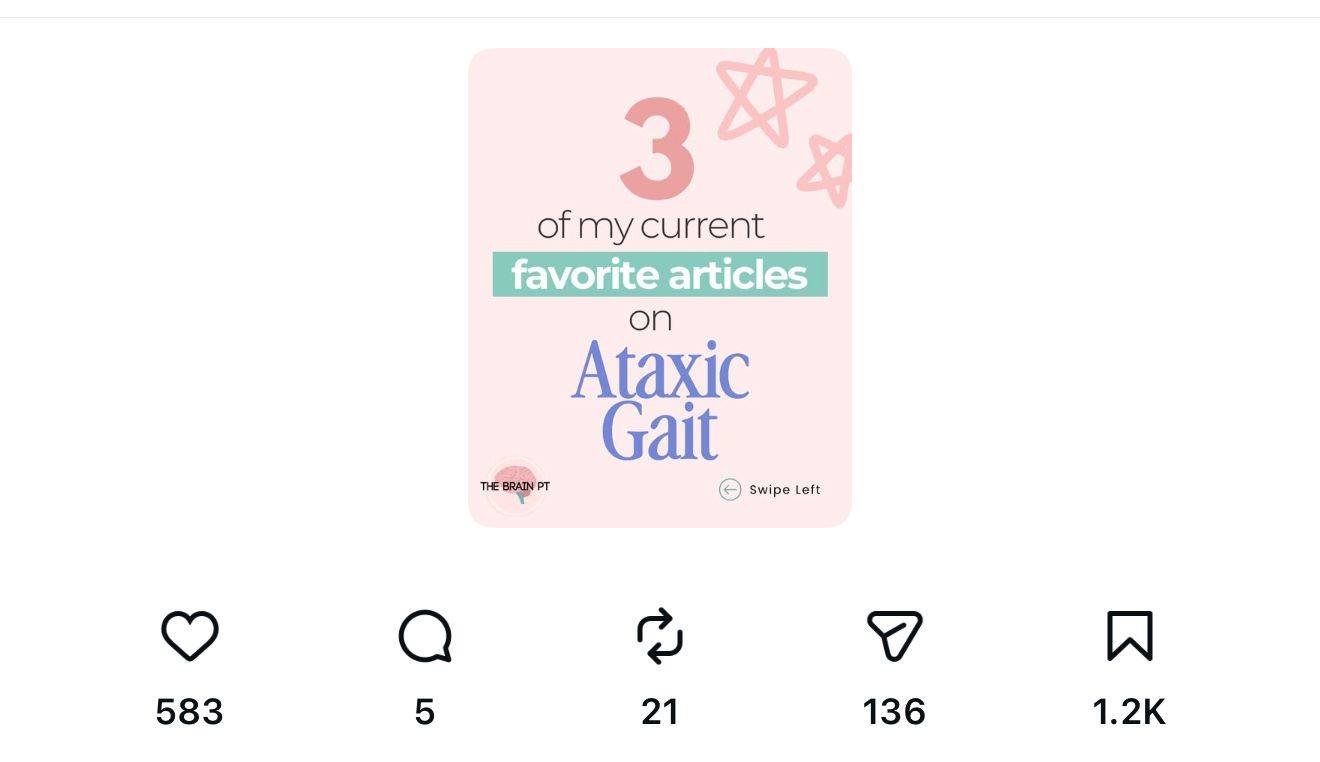
- My secrets to IG CANVA graphics that go VIRAL (really, see below)
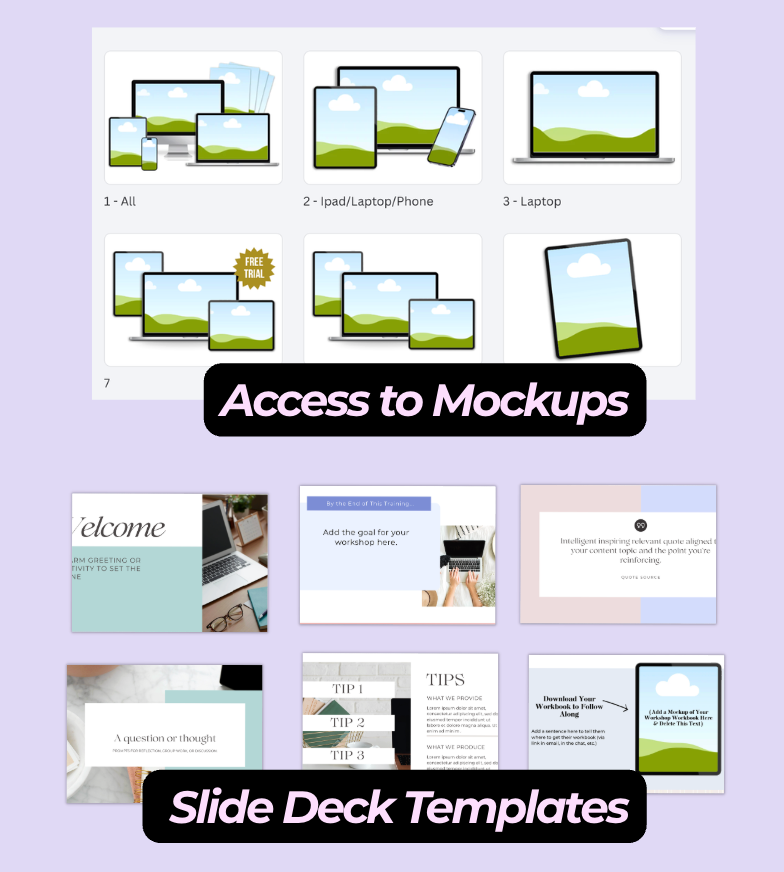
- Access to TEMPLATES created by me that YOU can easily edit to fit your brand.
what you'll learn to do inside this course:
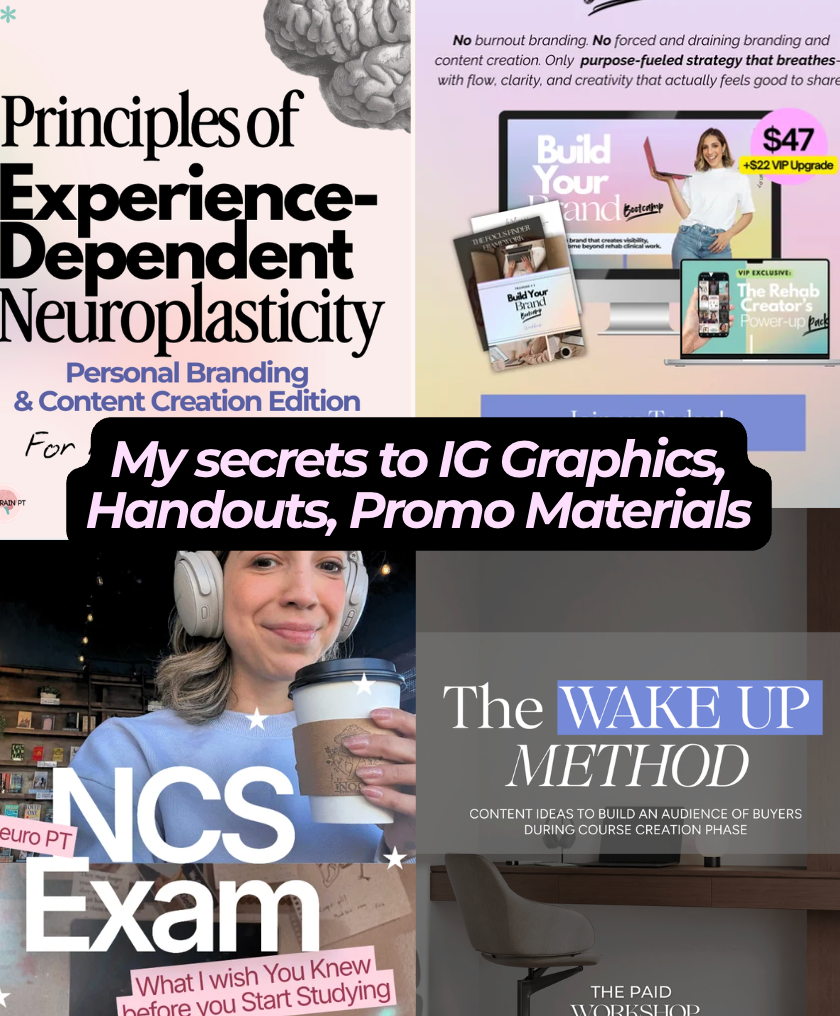
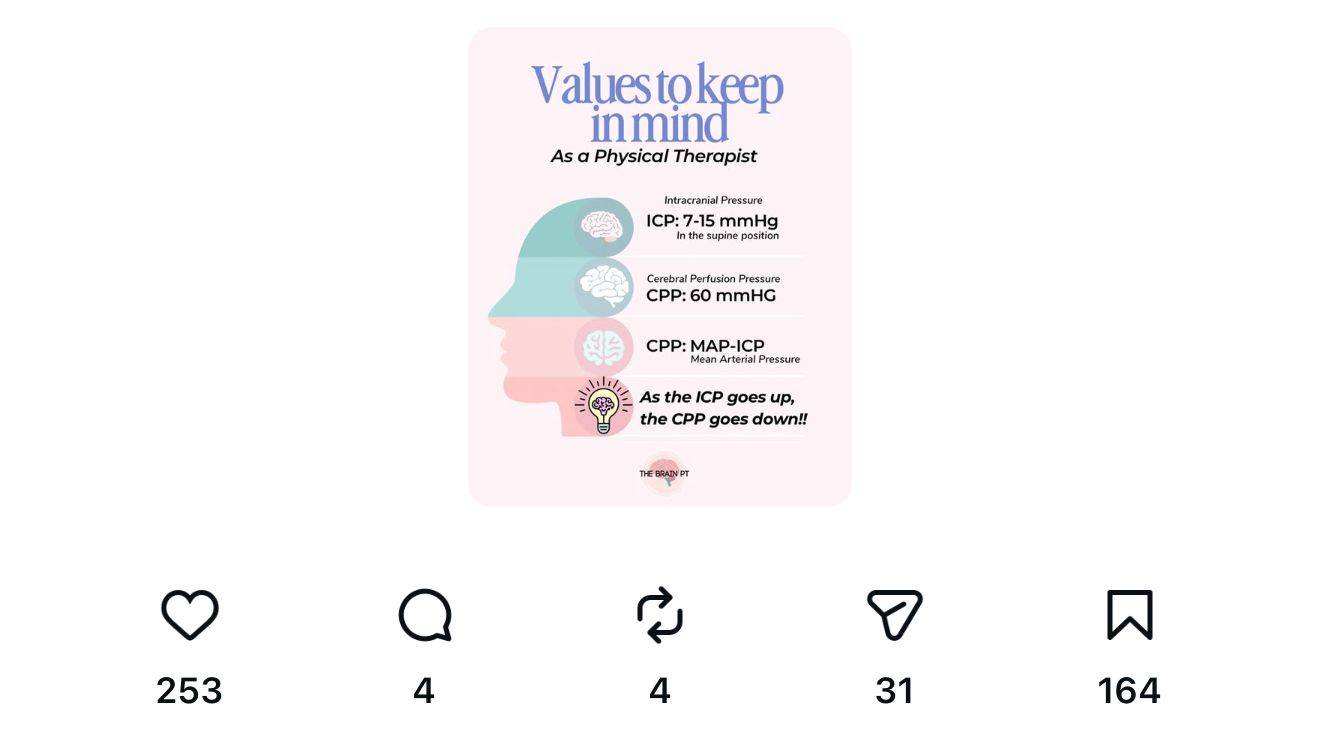
my canva ig graphics are simple, but have great engagement or go viral:
WHAT HAPPENS AFTER PURCHASE:
You'll receive an email from Kajabi (the course portal) with your login details so you can dive in right away!